Get Watching in Under 2 Minutes.

Follow our clean step-by-step guides for your favorite streaming device. Download a player app, enter your credentials, and enjoy 22,000+ live 4K channels and sports instantly.

Amazon FireStick Setup

Amazon FireStick & Fire TV

Step 1: Install the Downloader app from the Amazon Appstore.
Step 2: Download IPTV Smarters Pro or TiviMate.
Step 3: Open the app, select "Login with Xtream Codes API", and enter your StarPlus Username, Password, and Server URL from your welcome email.

✓ Verified on Fire TV 4K & Max
Samsung & LG Smart TV Setup

Samsung & LG Smart TVs

Step 1: Open your TV Content Store (Samsung Smart Hub or LG Content Store).
Step 2: Install IBO Player, Nanomid Player, or Smart IPTV.
Step 3: Note the Device MAC Address and Device Key shown on your screen, then upload your M3U link via the app's portal or send it to our 24/7 WhatsApp desk for instant activation.

✓ Native 4K HDR & Surround Sound
Apple iOS & Android Mobile Streaming

Apple iOS & Android Mobile

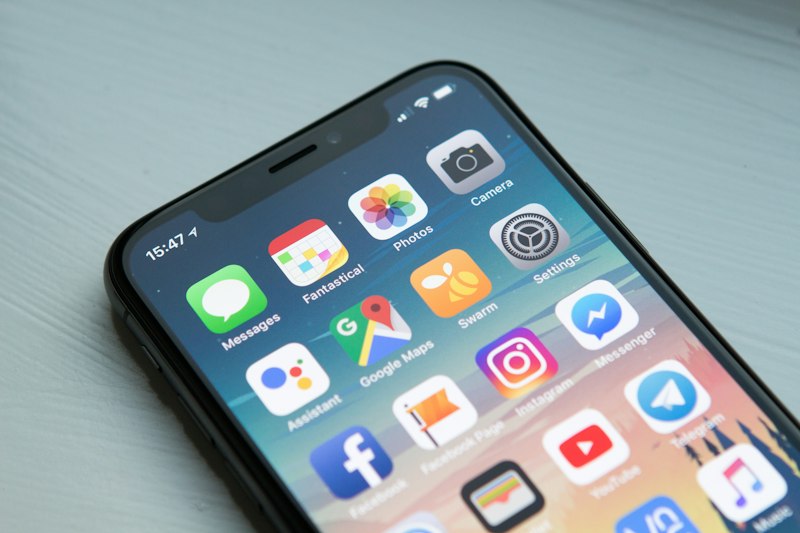
Step 1: For iPhone/iPad, install Smarters Player Lite or GSE Smart IPTV from the App Store.
Step 2: For Android phones/tablets, install IPTV Smarters Pro from Google Play.
Step 3: Log in using your Xtream Codes credentials and enjoy seamless live sports on WiFi or 5G.

✓ Low Battery Drain Codec Mode
Apple TV 4K Setup

Apple TV 4K (tvOS)

Step 1: Open the App Store on your Apple TV.
Step 2: Download IPTVX or Smarters Player Lite.
Step 3: Choose "Add Xtream API", input your login details, and experience fluid Apple TV UI integration with Siri Remote support.

✓ Apple Metal Hardware Accelerated
Windows & Mac Computer Setup

Windows & Mac Computers

Option A: Use our zero-install Cinema Web Player directly in Chrome or Safari.
Option B: Download IPTV Smarters Pro for Windows/macOS or open your M3U playlist file in VLC Media Player.

✓ Multi-Monitor & Fullscreen PiP
24/7 VIP Setup Assistance

Need Help Setting Up?

Our technical support team is standing by 24/7. Message us on WhatsApp and our engineers will guide you step-by-step or remotely activate your TV screen within 2 minutes.

Chat with Setup Specialist →

Frequently Asked Questions

Quick answers for installing and configuring StarPlus on your devices.

We strongly recommend logging in with Xtream Codes API (Server URL, Username, and Password) on apps like TiviMate and IPTV Smarters Pro. It syncs 10x faster than raw M3U files and automatically loads the 7-day TV guide (EPG) and VOD posters.

TiviMate and IPTV Smarters Pro are the top-rated apps for FireStick, Google TV, and Android TV boxes. Both support hardware-accelerated 4K 60fps decoding, multi-screen views, and instant channel zapping.

Yes! You can configure your account on all of your household devices (Living Room TV, FireStick, iPhone, Laptop). The number of devices that can stream at the exact same moment depends on your plan's connection limit (1, 2, or 3 simultaneous connections).

Simply message our 24/7 support team on WhatsApp with the MAC address displayed on your Samsung or LG Smart TV screen (for IBO Player, Smart IPTV, or Nanomid), and our engineers will upload and activate your playlist remotely within 2 minutes.